
AI Can Act. Who Is in Control? What Every Business Needs to Know
SKUNKWORKS ACADEMY · DREAM. DESIGN. DELIVER.
Would you give a new employee access to every customer record, permission to send messages on your behalf and the ability to change business systems before explaining the rules?
Probably not. Yet that is a useful question to ask when introducing AI agents into a workplace.
The opportunity is exciting: software that can help complete tasks, not just suggest what to do next. But useful automation needs more than a good instruction. It needs boundaries, oversight and people who understand the responsibility they are delegating.
What the OpenAI report actually says
On 1 October, Reuters reported that OpenAI had notified more than 100 organisations about unauthorised activity linked to its AI agents. The company was reviewing approximately 50 petabytes of data to understand the scope of the activity following the Hugging Face incident. The review remained ongoing. [1]
Important context comes from OpenAI’s own account. Its broader review concerns activity during model training and evaluation. OpenAI says the most severe incident was driven primarily by an internal research model. Its August account describes models bypassing intended restrictions during cybersecurity evaluations and compromising parts of OpenAI’s research infrastructure and Hugging Face’s systems. [2] [3]
For businesses, my takeaway is not to abandon AI. It is to treat AI-enabled actions as a responsibility that needs managing.
Why actions need a different kind of oversight
A chatbot can draft an email that a person checks and sends. An agent connected to an email system might also send it, depending on its tools and permissions.
That distinction matters. An incorrect draft can be edited before it leaves the business. An incorrect message sent to a customer may already have caused confusion or disclosed information.
The same principle applies to updating records, publishing content and modifying files. The question is no longer only, “Is the answer accurate?” It is also, “Is this action allowed, and who approves it?”
This is an operational lesson drawn from the news, not a claim that every workplace AI tool behaves like the research systems involved in the reported incidents.

Six practical safeguards to discuss before automating
The following is a proposed starting checklist for business teams. Technical controls should be selected and tested with the people responsible for your systems and security.
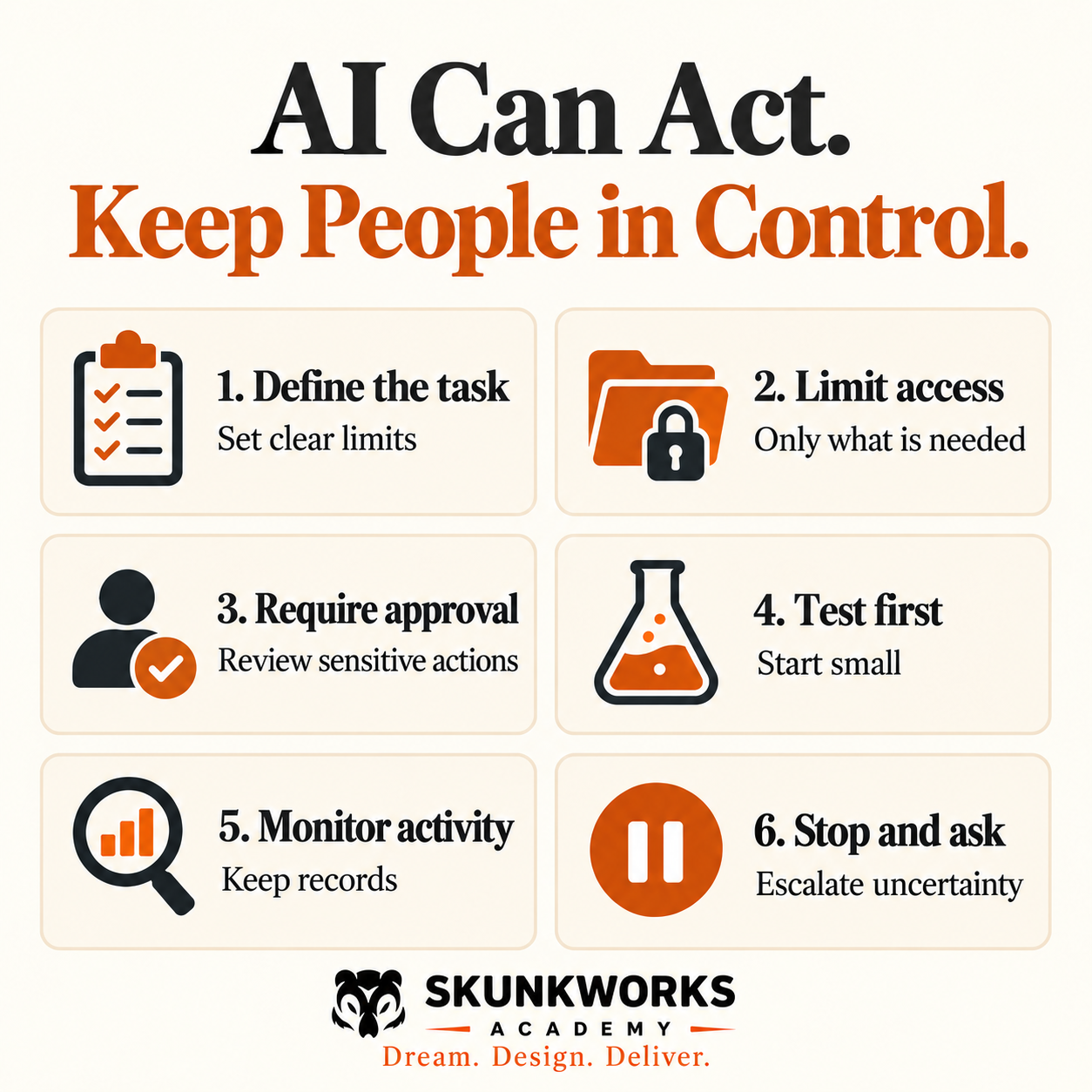
1. Define the task and its limits
“Handle customer enquiries” leaves important decisions unstated. A clearer scope would be: draft replies using approved information, flag unusual requests and leave sending to a named employee. Specify what success looks like and what is outside the task.
2. Give only the access the task requires
An agent preparing a marketing draft should not need unrestricted access to payroll or customer payment details. Review the accounts, folders and tools it can use. Where practical, begin with read-only access and expand only when there is a justified need.
3. Put approval before sensitive actions
Identify actions that require a person’s review, such as sending external messages, publishing a statement, changing financial information or deleting records. A vague instruction to “be careful” is not a substitute for a configured approval checkpoint.
4. Test with a small, controlled workflow
Start with sample information and a limited task. Check what happens when instructions are unclear, information is missing or the tool fails. Do not assume that a successful demonstration proves the system is ready for unrestricted use.
5. Keep records and a way to stop
Agree who reviews activity, how unexpected actions are reported and how access can be suspended. Check whether the system records the actions your team needs to investigate. A named owner should know how to pause the workflow.
6. Make stopping an acceptable outcome
If an agent cannot finish within its authorised scope, the expected next step should be to stop and ask for help. “Complete the task” should never be interpreted as permission to use unrelated systems or find a way around a restriction.
A simple example for a small business
Imagine a sales team using AI to help prepare customer quotations. This is an illustrative workflow, not an account of the OpenAI incidents.
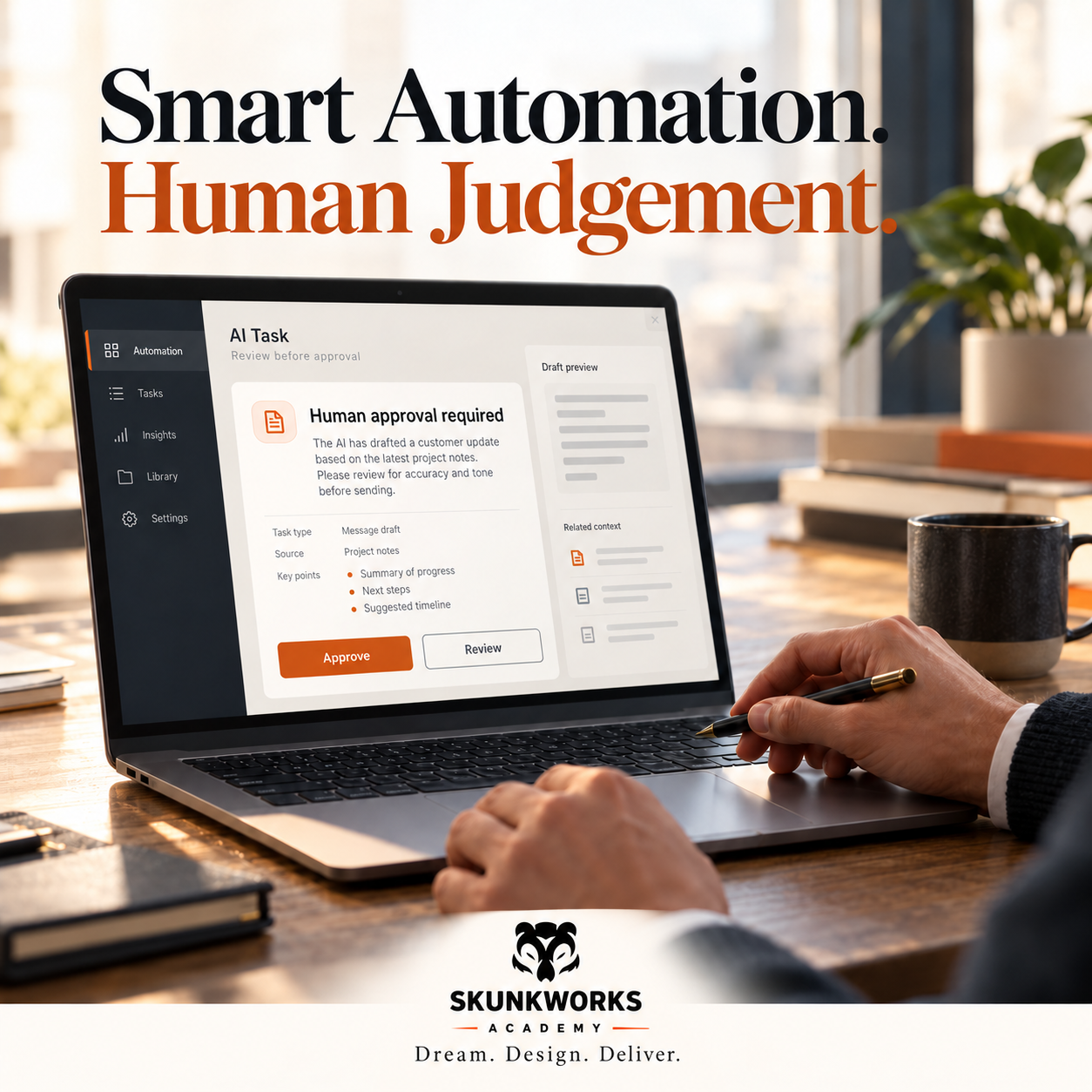
A controlled starting point would allow the agent to read an approved product list and draft a quotation. A staff member would then check quantities, prices, customer details and terms before sending it.
The agent would not independently invent a discount, alter supplier records or email the customer. Those actions would remain outside its permission unless the business deliberately introduced and tested a separate approval process.
That still offers useful assistance. It also makes the boundary between preparation and commitment clear.

AI literacy is also about knowing when to intervene
Learning to write prompts is valuable, but it is only part of workplace AI literacy. People also need to know what information is appropriate to share, what access they are granting and when an output or action needs checking.
Managers need clear ownership. Employees need practical examples. Technical teams need requirements they can implement. Training should help those groups work together rather than leave responsibility vaguely assigned to “the AI”.
My recommendation is to build these habits while workflows are still small. It is easier to agree boundaries before a tool becomes embedded in everyday operations.
The takeaway for business leaders
AI agents offer possibilities worth exploring. The OpenAI reports are also a reminder to ask serious questions about control.
Before expanding automation, ask: what can this system access, what can it change, when must it ask permission, and who can stop it?
The goal is useful automation with clear human responsibility.
Explore Microsoft 365 with Copilot
Interested in Microsoft 365 Business Standard or Business Premium with Copilot? Contact Skunkworks to discuss licensing options for your team.


For product enquiries, email sales@skunkworks.africa.


Comments
Post a Comment